Three steps. About five minutes.
Open PhotoLifeboat on your Mac
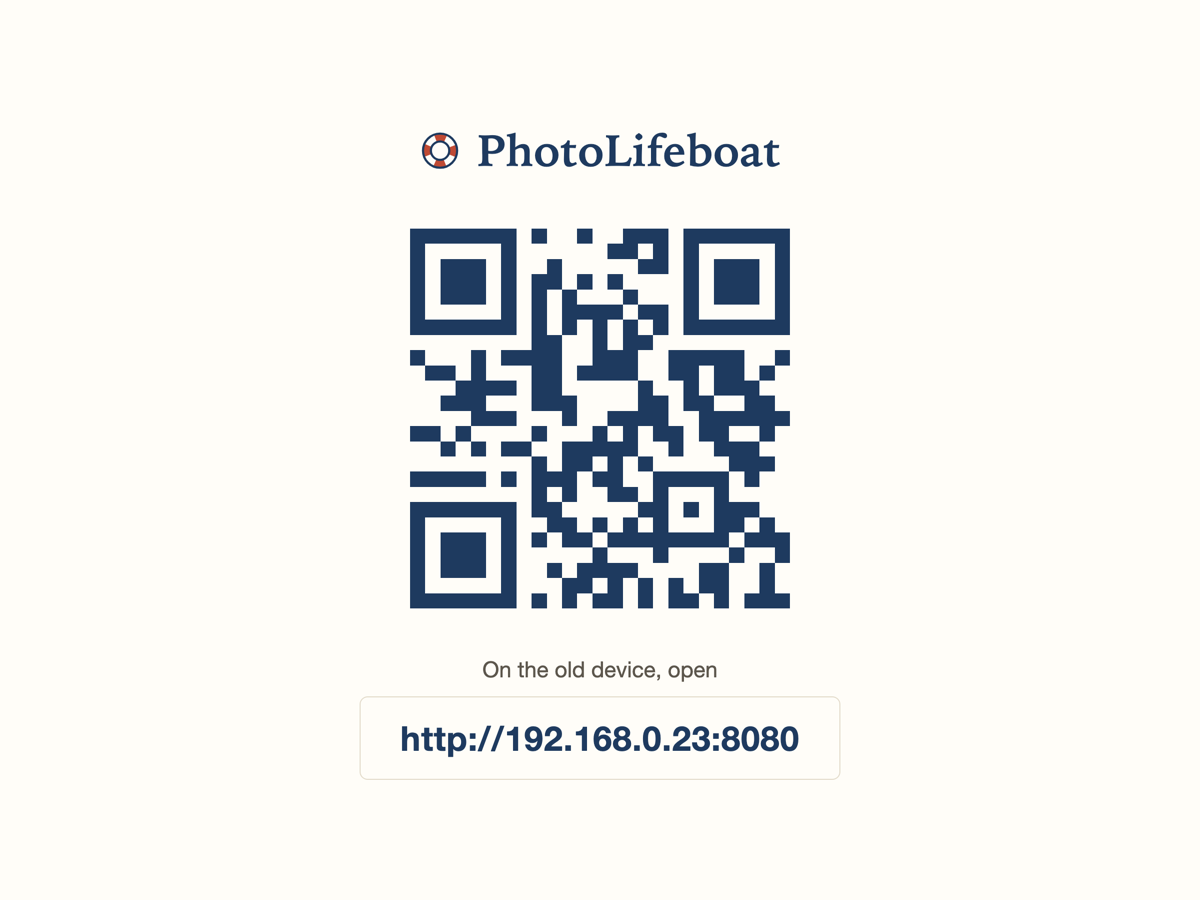
Double-click the app. A QR code and a short web address appear on your screen. That’s the whole setup — nothing to configure.
Open that address on the old device
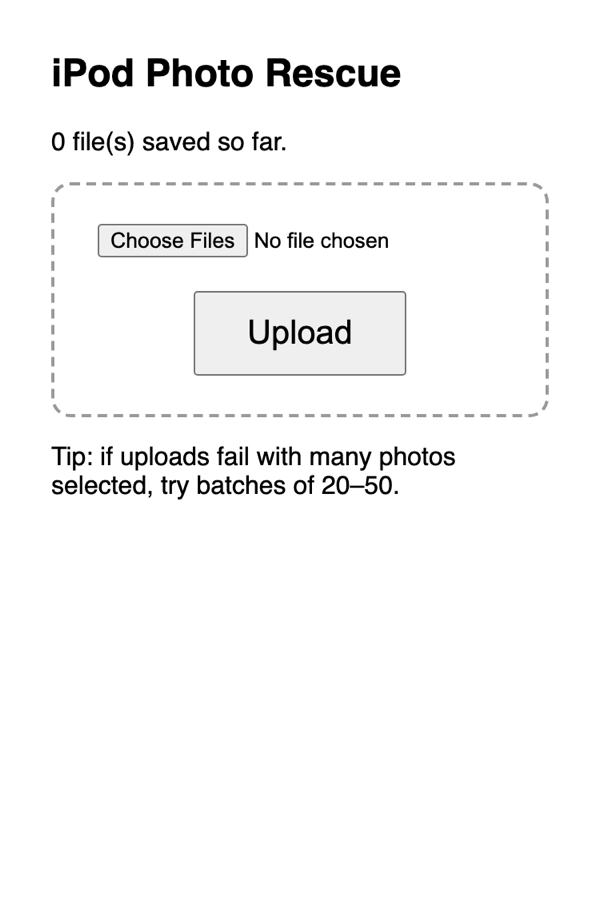
Pick up the old iPhone or iPod, open Safari, and type in the short address from your Mac (or scan the QR code if the camera still works). A simple page opens with your photos on it.
Tap your photos — they land on your Mac
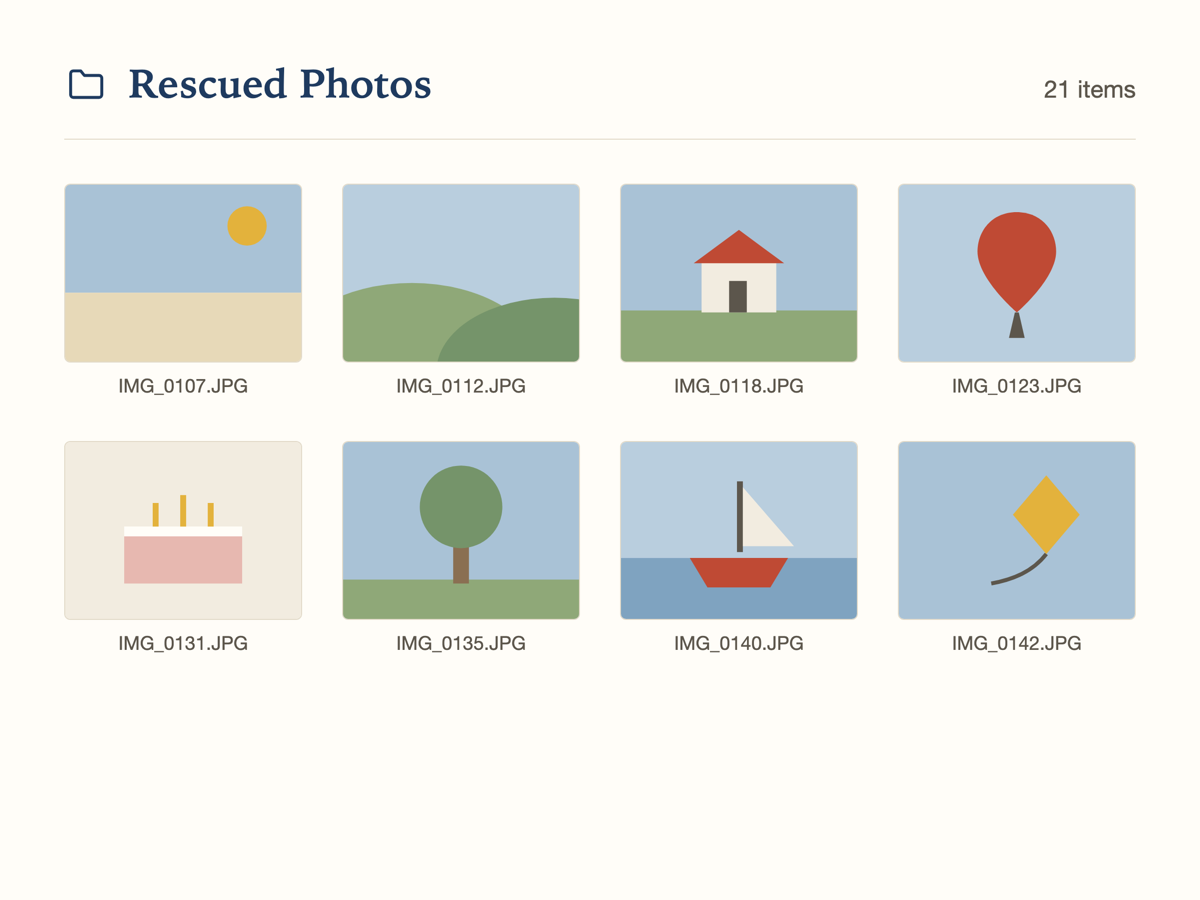
Tap the photos and videos you want to save. They travel over your own WiFi, straight into a folder on your Mac. Take your time — you can do it in batches.
Three things you should know
Your photos never leave your own WiFi
They go straight from the old device to your Mac, across your home network. No cloud, no account, no uploading to strangers — there is nothing to upload to.
Works however old the device is
If your iPhone or iPod can turn on, join your WiFi, and open Safari, PhotoLifeboat can reach its photos. It works when the USB cable isn’t recognized and when the App Store won’t load. (You’ll need a Mac on the other end.)
One payment of $12 — that’s it
This is a one-time rescue, so it’s a one-time price. No subscription, no upsells, and a full refund if it doesn’t work on your device.
One-time purchase. Requires a Mac. No subscription. Full refund if it doesn’t work on your device.
Honest answers to fair questions
How do I know this isn’t a scam?
A fair question — there are plenty of shady “save your photos” sites out there. Here’s our answer: your photos never touch the internet, so we couldn’t see or keep them even if we wanted to. There’s no account to create, no personal details to hand over, and nothing to pay beyond the one-time $12. And if it doesn’t work for you, we refund it, no argument.
Can’t I do this for free?
Sometimes, yes — and we’d rather tell you that than pretend otherwise. If you’re comfortable in a terminal, or know someone patient who is, you can move photos the same way for free. But most free tools need an app installed on the old device, or a newer version of iOS than old devices have. PhotoLifeboat exists for people who would rather pay $12 once than spend an afternoon in settings and forums.
Will it work on MY iPhone or iPod?
If it turns on, joins your WiFi, and can open Safari, then yes — even devices from 2007. It doesn’t matter how old the software is, or that your computer no longer recognizes it over the cable. If it doesn’t work on yours, you get your money back.
What about videos?
Videos too. You tap them the same way as photos. Long videos take a few minutes to travel over WiFi, but they arrive whole, at full quality.
What if it doesn’t work for me?
You get your money back. Email us within 30 days and we’ll refund your $12 — no forms, no questions, no argument. A rescue that doesn’t rescue shouldn’t cost you anything.
My device won’t turn on at all. Can you help?
Honestly, no — and please don’t pay anyone online who claims an app can fix that. If the device won’t start, the photos can only be reached through a hardware repair. Look for a trustworthy repair shop or a mail-in recovery service, and ask them to get the device turning on again. Once it starts up, we can help with the rest.
One-time purchase. Requires a Mac. No subscription. Full refund if it doesn’t work on your device.